

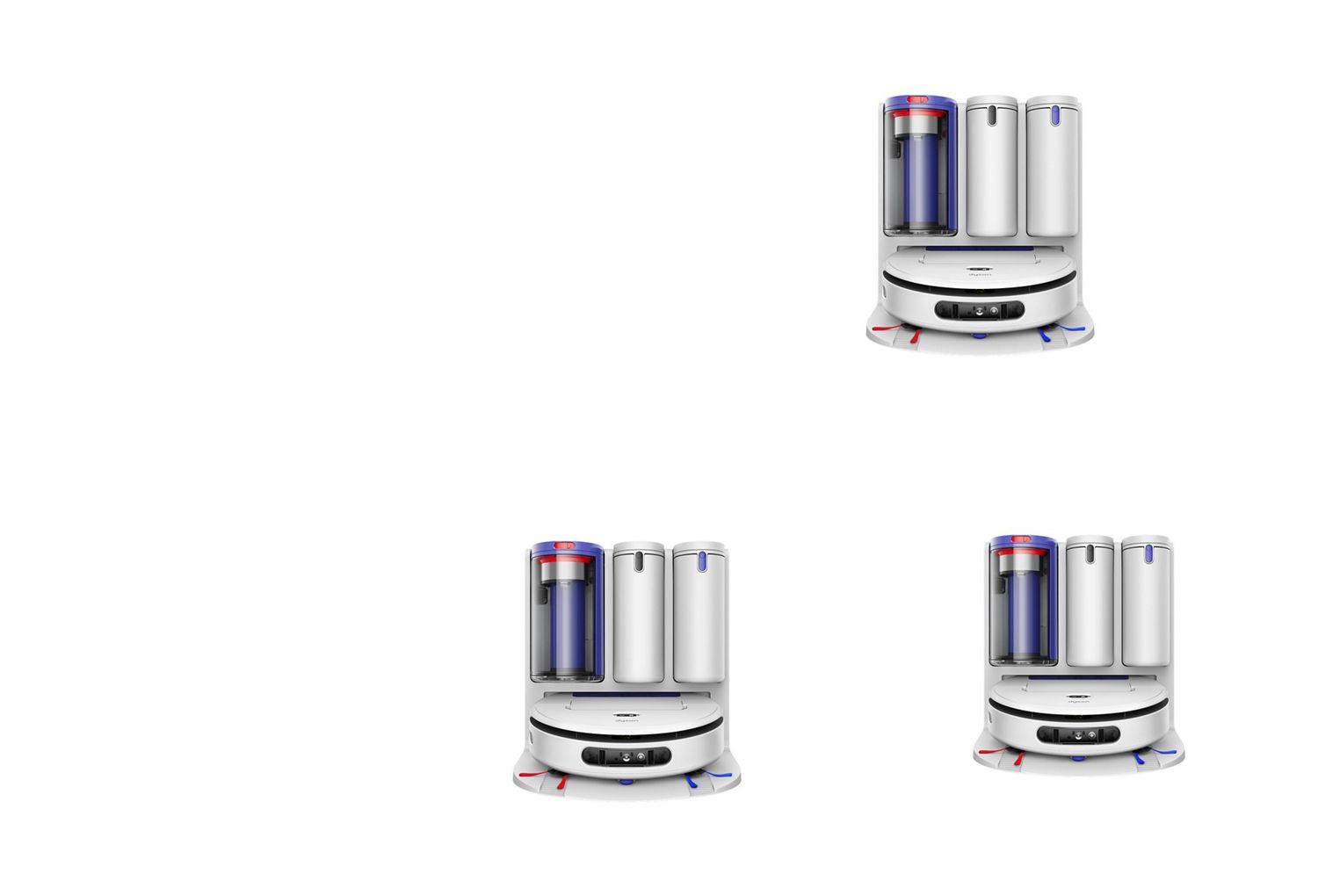
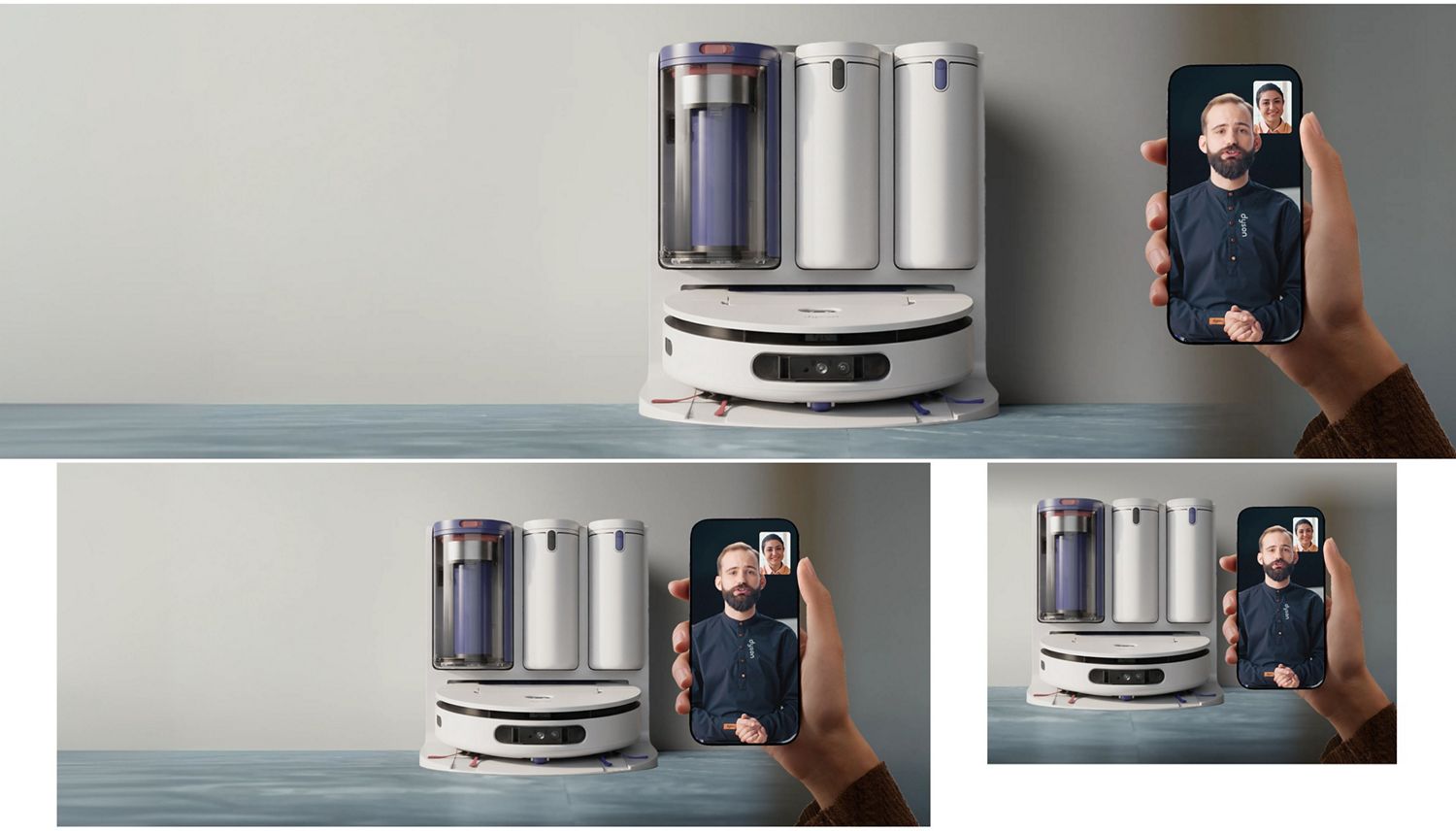
R3 Nurovi Spot+Scrub™ UV robot: all how-to videos
-
Getting started
-
MyDyson™ app features
-
Cleaning your machine
-
Troubleshooting videos
-
Dock issues
Getting started
When cleaning your robot, please do not put it in a dishwasher or use detergents, polishes or air fresheners, as these may damage your machine.
-
Setting up your docking station
Watch how to attach the ramp, add cleaning solution and fill the clean-water tank, with advice on where to locate your docking station.
-
Setting up your robot
See how to attach your robot’s side sweepers and download the MyDyson™ app if you haven’t already.
-
Connecting to the MyDyson™ app
Watch how to charge your robot and connect to the MyDyson™ app, so you’re ready for your first clean.
-
Finishing a clean
See how to empty your docking station’s dry debris bin and dirty water tank so your machine is ready for the next clean.
Explore MyDyson™ app features
Creating a map of your home with the MyDyson™ app lets your robot learn the layout and gives you more control over how and where your robot cleans.
-
Create and manage your map
Once you’ve created a map, you can split, merge and name each room to reflect your home’s layout.
-
Customize your clean
Clean individual rooms. Choose vacuum or wash, or both. Change hydration levels. And much more.
-
Live cleaning
Track your robot’s location and check its progress in real time in the app.
-
Troubleshooting
The MyDyson™ app will alert you if your robot encounters an issue, giving you a step-by-step fix.
-
Activity history
After every clean, your robot will share its activity history in the app, so you can see where it’s cleaned.
-
Maintenance and spares
Use the app to monitor the condition of your robot. The app will alert you if replacements are needed.
Cleaning your machine
When cleaning your robot, please do not put it in a dishwasher or use detergents, polishes or air fresheners, as these may damage your machine.
How to clean the dock’s ramp
- Remove your robot to a safe place.
- Pull the ramp upwards and unclip it from your docking station.
- Wash under running water, then wipe clean.
- Leave to dry for 24 hours. Click the ramp back into place.
How to clean the filters
Wash monthly for best performance.
- Remove and tap over a bin to dislodge debris.
- Wash with warm water until the water runs clear.
- Shake firmly to remove excess water.
- Leave to dry for at least 24 hours. The filters must be completely dry before refitting.
How to clean the dock’s dirty water tank
- Remove the dirty water tank and empty the contents.
- Wash with warm water and detergent, then rinse.
- Wipe clean and leave to dry.
- Slide the tank back into your robot until it clicks into place.
How to clean the robot’s dirty water tank
- Remove the dirty water tank and empty the contents.
- Wash with warm water and detergent, then rinse.
- Wipe clean and leave to dry for at least 24 hours.
- Slide the tank back into your robot until it clicks into place.
How to clean the dock’s dry bin
- Lift out the dry bin and hold over a waste bin.
- Slide the red button on the handle to empty.
- Use a damp, lint-free cloth to clean the bin.
- Make sure the bin – and the seals around the lid – are completely dry before refitting.
How to clean the brush bar
- Remove the brush bar and any threads or hair.
- Wash under running water.
- Wipe or squeeze to remove excess water.
- Leave to dry for at least 24 hours. The brush bar must be completely dry before refitting.
How to clean the wet roller
- Remove the wet roller and any threads or hair.
- Hold under running water and rub with detergent.
- Rinse, then squeeze out any remaining water.
- Leave to dry for at least 24 hours. The wet roller must be completely dry before refitting.
How to clean the side sweepers
- Unclip the side sweepers.
- Wash under running water.
- Wipe clean and leave to dry for at least 24 hours before refitting.
Robot troubleshooting
Use our videos below and in the MyDyson™ app to help guide you through issues your robot may encounter.
Dry bin not fitted
How to clear obstructions to the brush bar
How to clear obstructions to the wheels
How to clear obstructions to the wet roller
How to clear side sweeper obstructions
Dirty water tank not fitted
How to replace the filter
How to clean the drop sensors
How to clean the floor type sensor
How to clean the HD camera
How to clean the collision sensors
How to clean the infrared sensor
How to clean the LiDAR sensors
Docking station troubleshooting
The troubleshooting video guides below and in the MyDyson™ app will help you maintain your docking station.
How to empty your dock’s dry bin
Dry bin not fitted
How to refill your dock’s clean water tank
Dirty water tank not fitted
Clean water tank not fitted
How to refill your dock’s cleaning solution
How to replace your dock’s filter
How to empty the dirty water tank
Can't find your issue?
Genuine parts and accessories for your product
-
Batteries, chargers and docks
Automatically empties and charges your vacuum, so there’s no need to touch the dust.
Need help?
¹ Cleaning results may vary depending on the type and severity of stains.
² AI verification is within the defined parameter. Results may vary depending on the type of stains.
³ Based on Dyson internal test data. Actual duration may vary based on cleaning habits, usage frequence, debris and floor surface.
⁴ Compared to Dyson Spot+Scrub™ Ai robot vacuum cleaner.
⁵ Suction pressure increases when transition from hard floor to carpet in Auto mode. Performance may vary depending on the mode and floor surface.
⁶ Suction pressure adapts to floor type in Auto Mode.
⁷ Requires device to run app, 2.4GHz or 5GHz Wi-Fi connection or mobile data, and Bluetooth 4.0 support. For app compatibility, please search for ‘MyDyson™’ on the iOS App Store or the Google Play Store. Standard data and messaging rates may apply.