
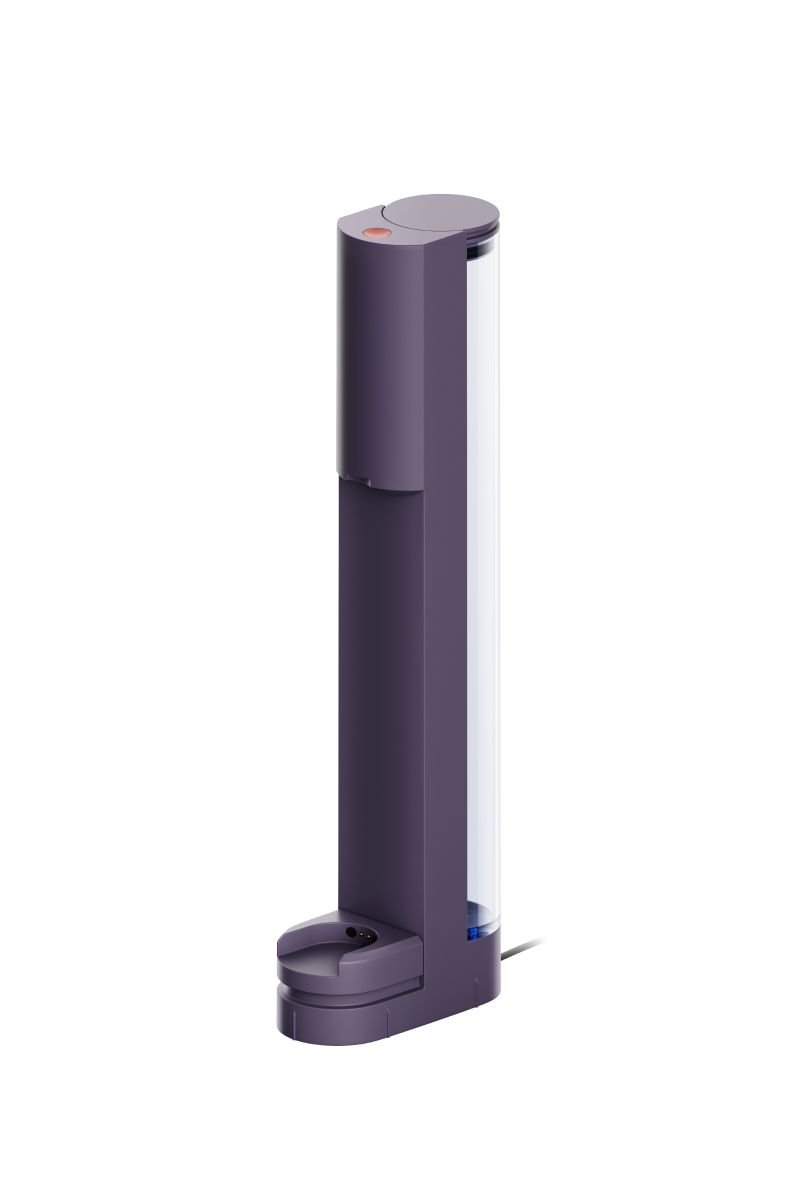
Refill dock in Steel violet
Store, refill and charge your Dyson CameraJet™ toothbrush at the touch of a button.
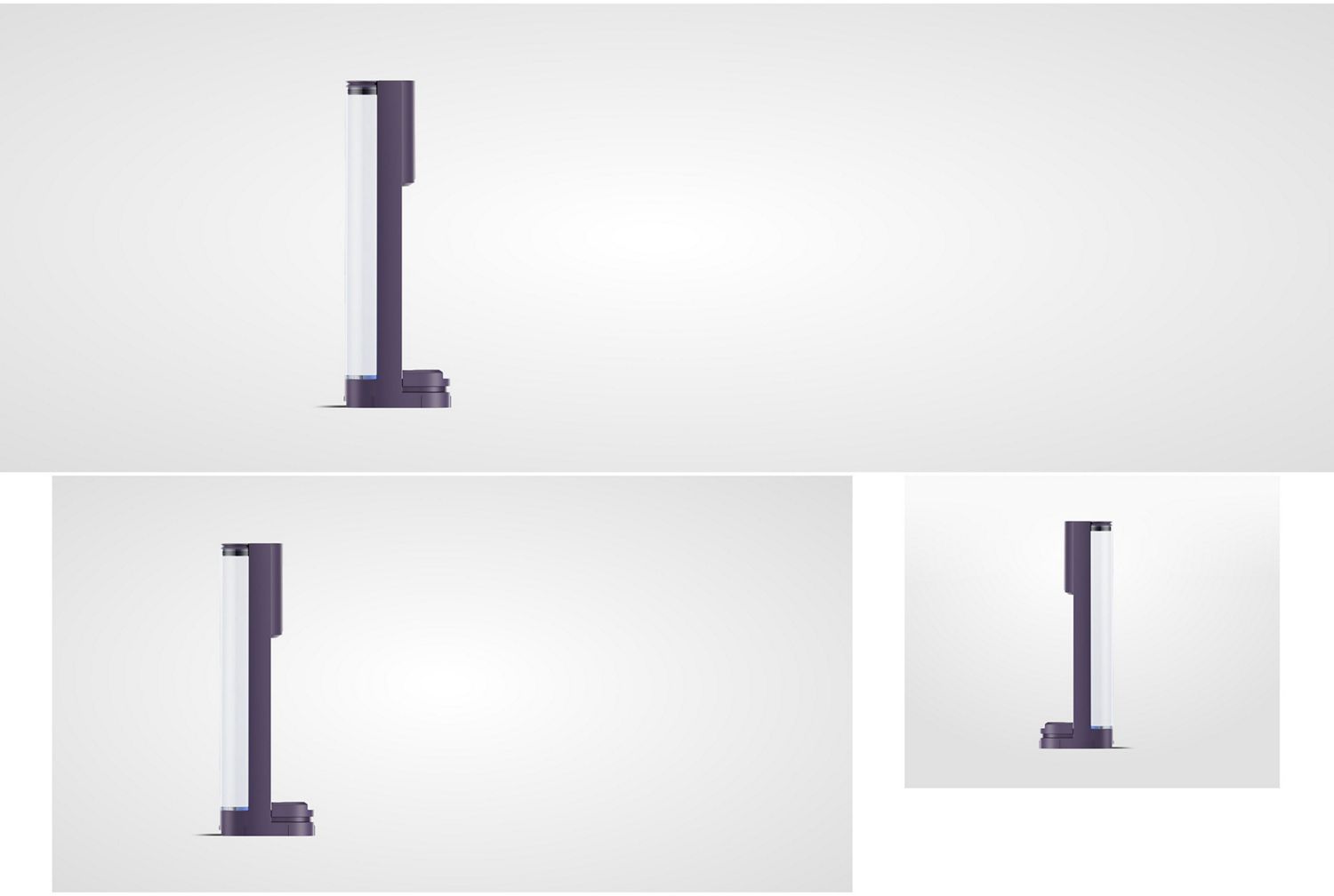
Connect
Connect your dock to a power source.
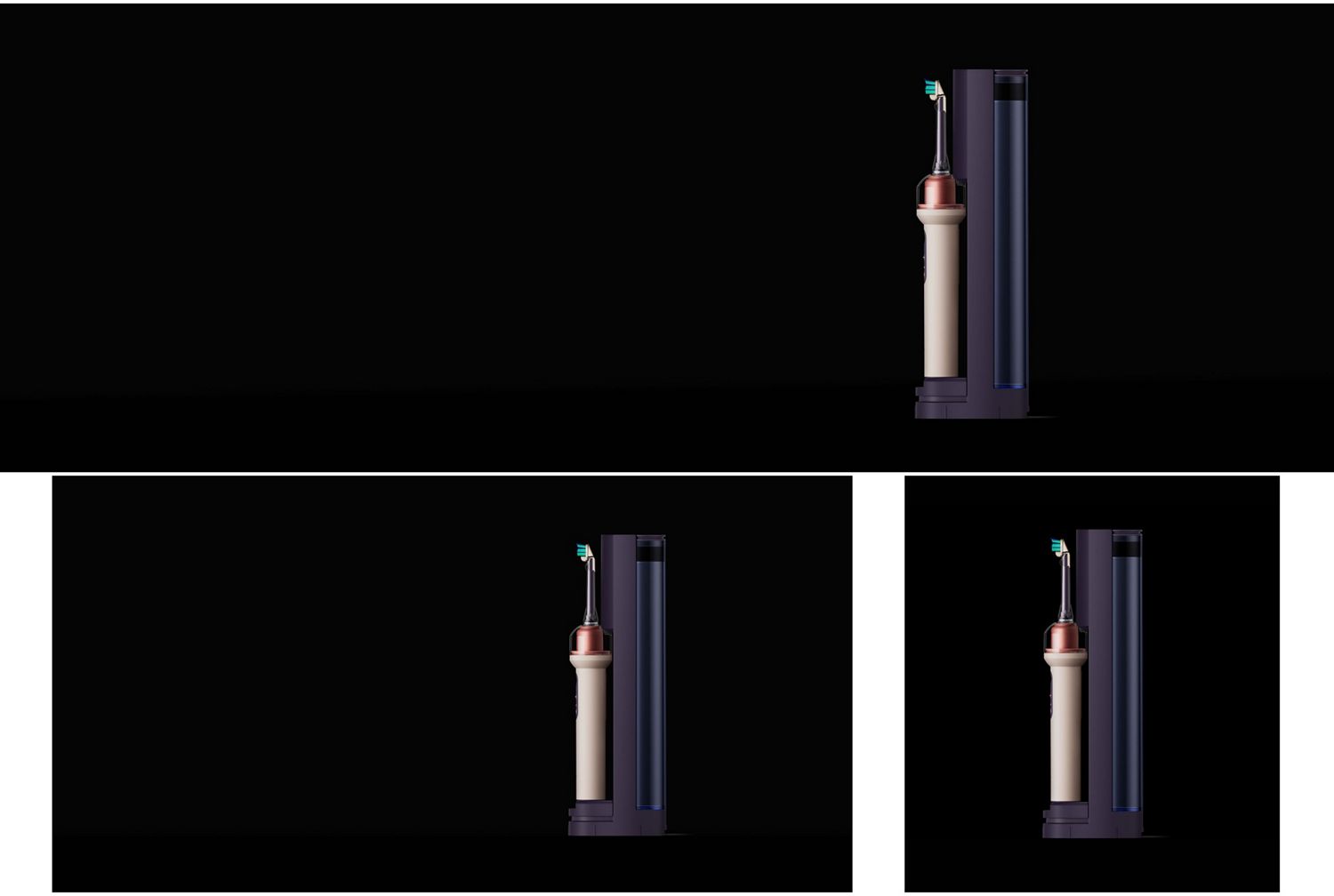
Place
Place your toothbrush onto the dock.
Fill
Push the button to the fill the toothbrush’s tank.
Remove
Remove the brush from the dock to begin.
Frequently asked questions
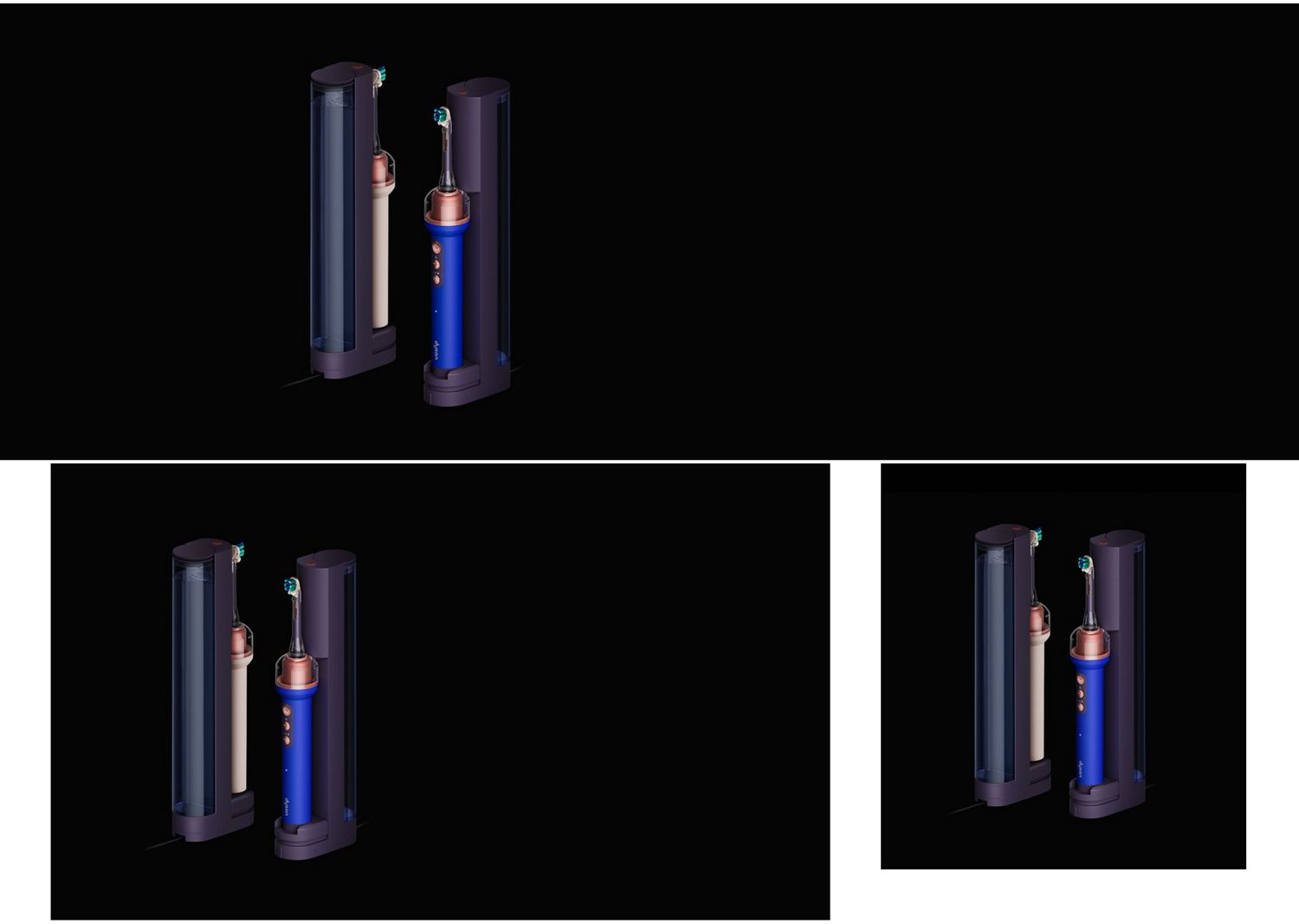
With the dock connected to power, place the toothbrush on the dock. Make sure you push it into the dock to connect. Press and hold the button at the top of the dock to fill the tank. It should take around 5 seconds for the tank to fill.
With the buttons facing out and away from the dock, push the toothbrush down into the base, then push into the dock so it’s upright and release. The circular LED light will illuminate to show the device is charging.
To fill the reservoir, simply lift the cap and pour your mouth rinse directly into the reservoir. Then replace the cap.