

-

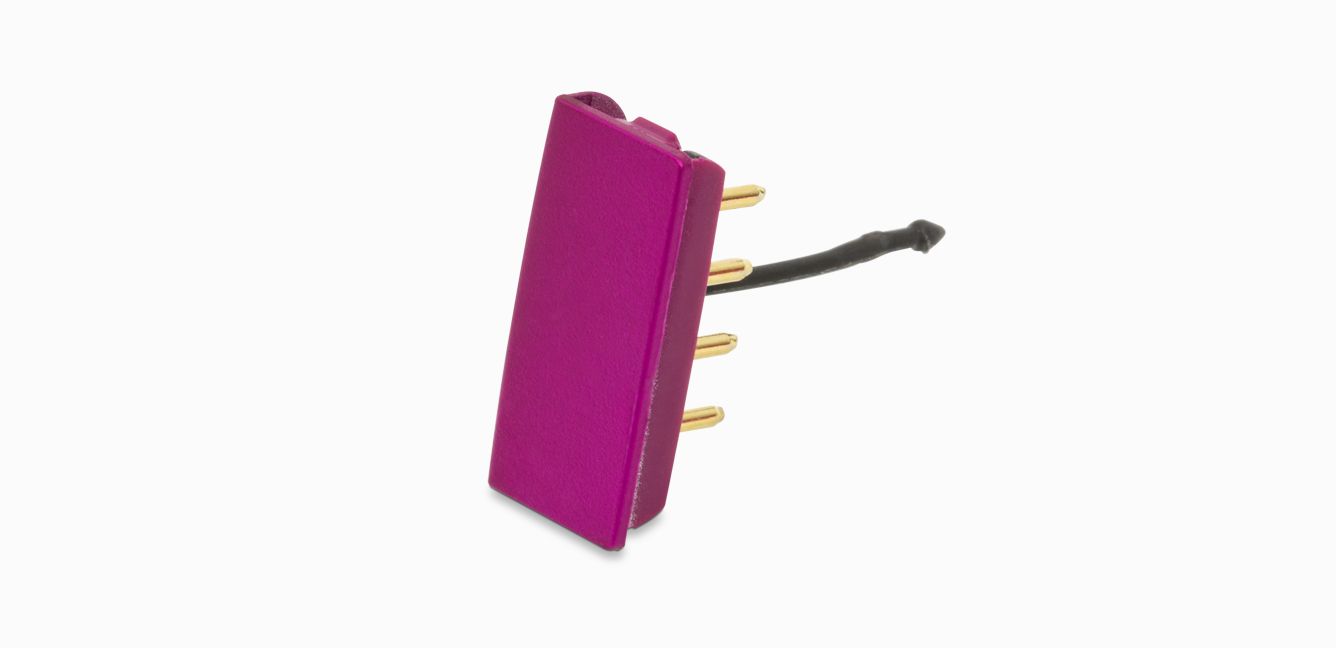
Flight-ready tag (Fuchsia)
Flight-ready tag (Fuchsia)
Part No. 970843-01
Replacement Flight-ready tag (Fuchsia) for your Dyson Corrale™ straightener.
Currently out of stock
$14.99
-
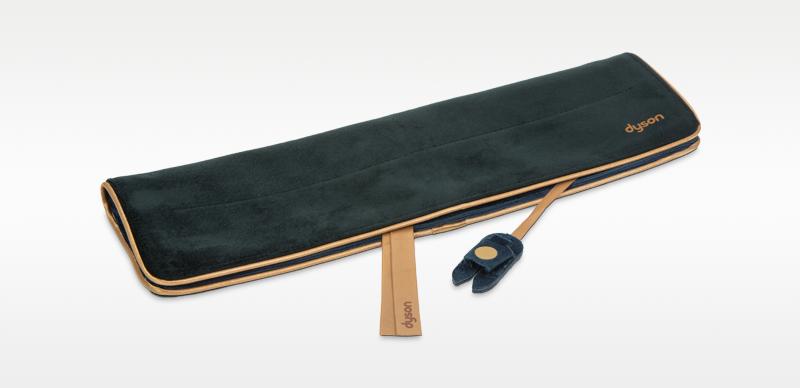
Corrale Heat resistant travel pouch
Corrale Heat resistant travel pouch
Part No. 970734-01
Safely stores the straightener, with a separate protector for the Flight-ready tag.
$39.99
-
Magnetic 360˚ charging cable
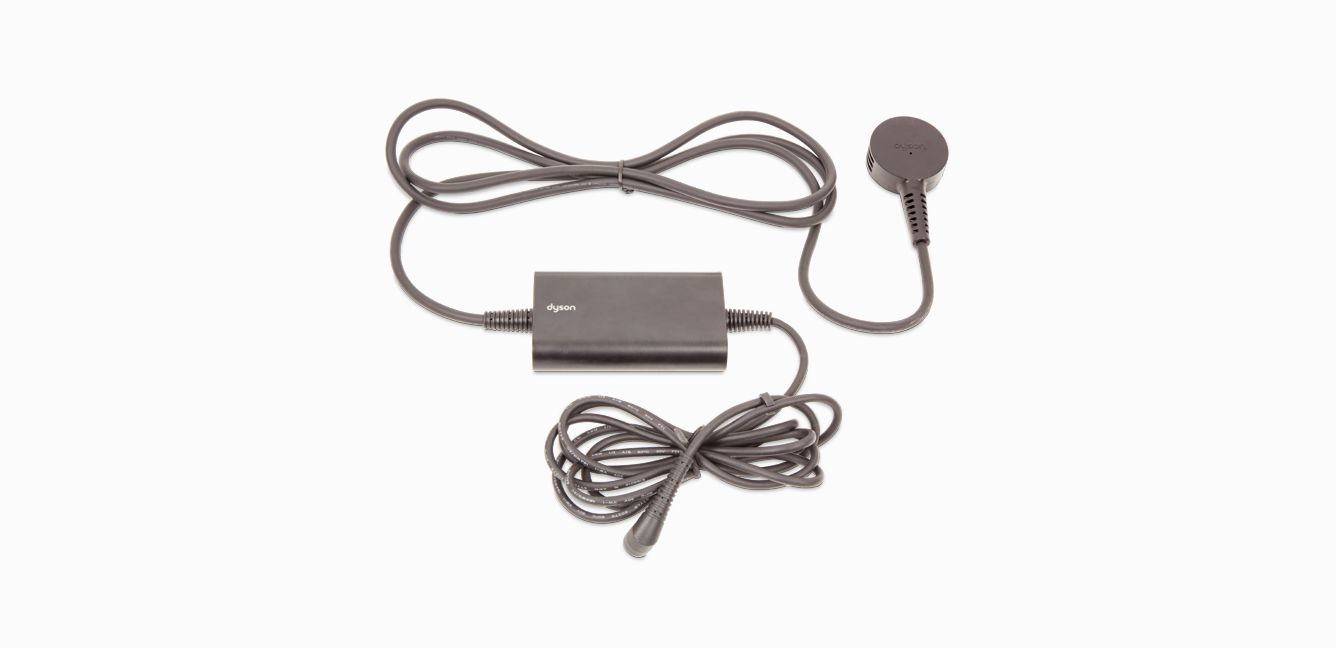
Magnetic 360˚ charging cable
Part No. 970479-02
Attaches magnetically to Travel dock and your Corrale to charge between uses or while styling.
$59.99
-
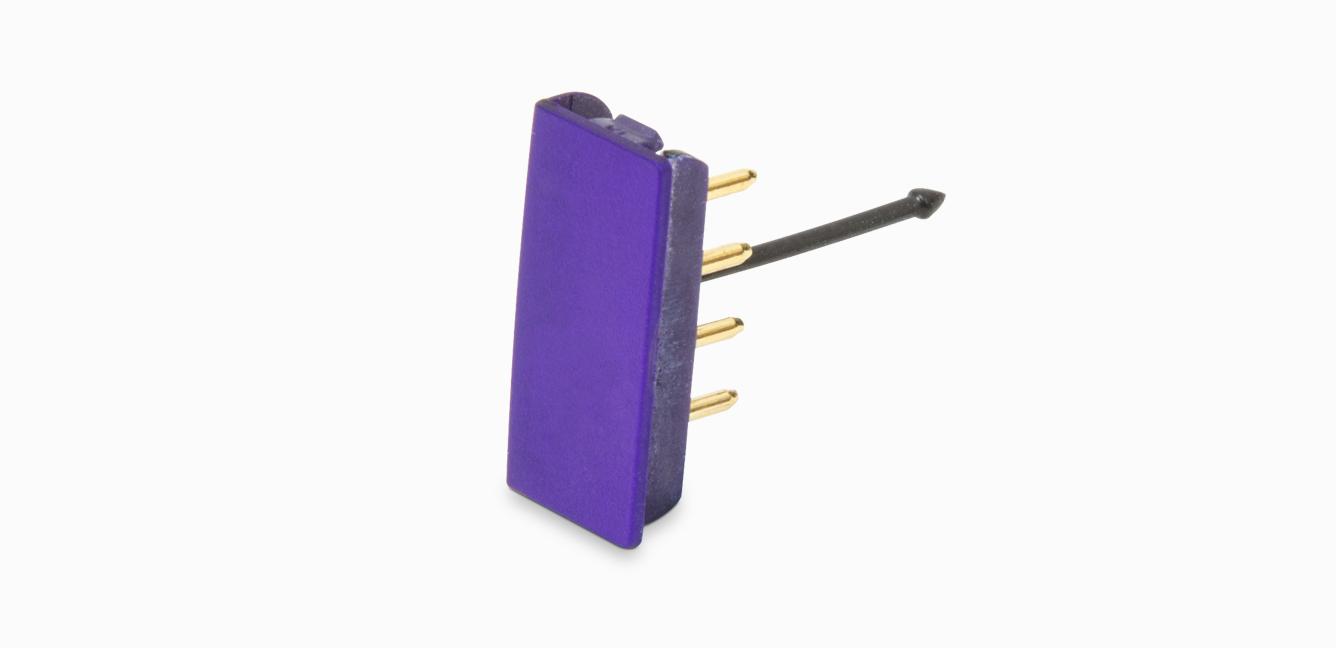
Flight-ready tag (Purple)
Flight-ready tag (Purple)
Part No. 970843-03
Replacement Flight-ready tag (Purple) for your Dyson Corrale™ straightener.
Currently out of stock
$19.99
-
Automatically turns off for peace of mind
If your straightener is left unattended with the power on for longer than five minutes, it goes into Sleep mode and the flexing plates start to cool down. After a further five minutes, your straightener turns off completely.
-
Styling with the cable attached
If you need to style for longer, you can use your straightener with the cable attached in hybrid charge mode. This will extend the run time but you'll still need to fully charge between uses, as you'll still be using battery power when styling.

Get more from your Dyson with the MyDyson™ app▴
Expert guides and exclusive content. Intelligent filter alerts. Tailored 24/7 support.
▴The MyDysonTM app is only compatible with select Dyson products. For a list of compatible products, please click here.




Apple and the Apple logo are trademarks of Apple Inc., registered in the U.S. and other countries.
App Store is a service mark of Apple Inc., registered in the U.S. and other countries.
Google Play and the Google Play logo are trademarks of Google Inc.
Frequently Asked Questions
If your Dyson Corrale™ straightener doesn't have any power or isn't turning on, it could be for a number of reasons:
- The battery has run out – Charge it on the dock or directly with the Magnetic 360° charging cable.
- The charger is faulty – Spares and accessories are listed above, or order spare chargers at Dyson.com
- The docking station is faulty - Charge it directly with the Magnetic 360° charging cable. Spares and accessories are listed above, or order spare docking stations at Dyson.com
Please click here for more detailed instructions on how to avoid, or fix, any problems you might experience with your machine.
If your Dyson Corrale™ straightener has a short run time, it could be for a number of reasons:
- The machine needs charging - Charge it on the dock or directly with the Magnetic 360° charging cable.
- Use Hybrid mode - You can use your straightener with the Magnetic 360° charging cable attached. This will extend the run-time, but you’ll still need to fully charge between uses, as you will still be using battery power when styling.
- The battery is faulty – Contact customer support.
Please click here for more detailed instructions on how to avoid, or fix, any problems you might experience with your machine.
Your Dyson Corrale™ straightener can show several alerts to let you know when something is needed. They include:
- Too hot – Turn your straightener off and leave to cool down.
- Reset – Turn your straightener off and then back on again to reset.
- Charging error – The charger isn’t working as it should. Contact customer support.
- Call Dyson – Your straightener isn’t working as it should. Contact customer support.
- Aeroplane symbol – If the aeroplane symbol doesn’t appear on the OLED screen when the Flight-ready tag is removed, contact customer support.
Please click here for more detailed instructions on how to avoid, or fix, any problems you might experience with your machine.
If you're having trouble gliding through your hair with the Dyson Corrale™ straightener, try the following simple steps:
Prepare the hair:
- Before styling, ensure hair is tangle-free and completely dry. For best results, section your hair before starting to style.
Loosen grip:
- Because the flexing plates shape to gather your hair, you don’t need to apply as much tension. Loosen the grip and let the machine do the work for you.
Tress (hair section) size:
- The perfect tress size will depend on your hair type. Try a few different section sizes and see what works best for you.
- If you have coarse or curly hair, try starting with smaller sections. If you have fine hair, try using larger sections.
Position of the tress:
- To maximize the benefits of the flexing plates, ensure the hair tress is in the middle of the plates when styling.
Style speed:
- Try using slow, even passes rather than multiple quick passes.
Styling your ends:
- If you’re finding it difficult to style the ends of your hair, it may be because you have finer or more layered hair. Try styling your roots and mid-lengths first, and style the ends last so you can take larger sections of hair.
Please click here for more detailed instructions on how to avoid, or fix, any problems you might experience with your machine.
Your Dyson Corrale™ straightener is designed to meet ICAO regulations, allowing you to carry it on board an aircraft. Follow the advice below to get ready to fly:
Before flying:
- Contact your airline in advance to inform them about the Flight-ready feature.
- Remove the Flight-ready tag before airport security and leave disconnected throughout the flight.
- Store your straightener in your hand luggage.
Please note: Regulations in Japan mean you will not be able to fly in or out of any Japanese airports with your straightener.
When the Flight-ready tag is removed, all controls will be disabled. If you try to use your straightener when flight-ready, an aeroplane icon will appear on the OLED screen
Reactivating your straightener:
- Insert the Flight-ready tag back into your straightener.
Please click here for more detailed instructions on how to avoid, or fix, any problems you might experience with your machine.
Your Dyson Corrale™ straightener features lights to communicate processes and needs to you. They include:
- Solid red light - Your straightener is ready to use when the Power button illuminates red, a prompt sounds and a tick icon appears on the OLED screen.
- Pulsing red - The Power button will pulse red as your straightener heats up.
- Flashing red - If your Dyson Corrale™ straightener is left unattended with the power on for longer than five minutes, the flexing plates will automatically switch off. The Power button will flash red, and an alert will sound every 10 seconds. Press any button to reactivate your straightener.
- Soid white – Charge your machine on the dock or directly with the Magnetic 360° charging cable.
- Pulsating white – Contact customer support.
- Flashing/fast flicker white – Reset your machine by turning it off and then back on again.
Please click here for more detailed instructions on how to avoid, or fix, any problems you might experience with your machine.